

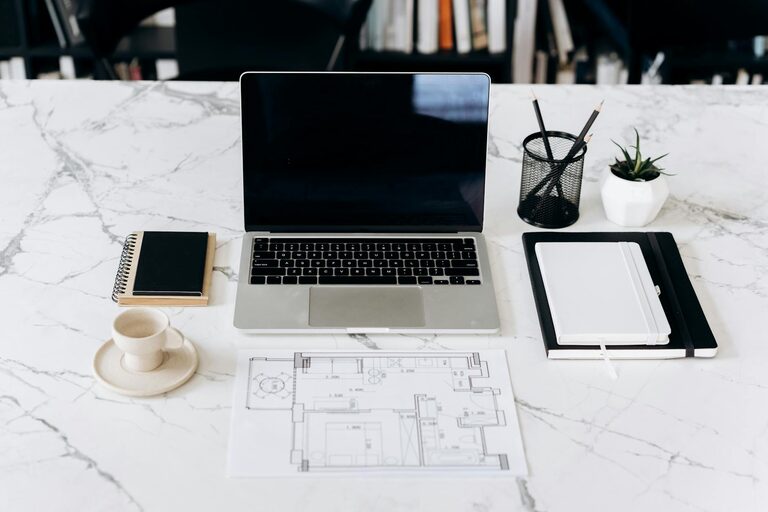
Working from home has become increasingly common, and creating a productive home office environment is essential to stay focused and efficient. A well-designed workspace can help reduce distractions, increase comfort, and improve overall work performance. Whether you are setting up a home office for the first time or looking to enhance your existing space, the following tips will provide guidance on how to create an environment that supports productivity.
Choosing the Right Location
The first step in setting up a productive home office is selecting the right spot. Look for a quiet area in your home where you can work without interruptions. Ideally, choose a space with natural light, as daylight can improve mood and energy levels. If space is limited, even a small corner can be transformed into a functional workspace.
Consider These Factors:
– Distance from high-traffic areas like the kitchen or living room
– Availability of electrical outlets for your devices
– A door or partition for added privacy
Ergonomic Furniture Matters
Comfort is key when you spend several hours working at a desk. Investing in ergonomic furniture helps prevent strain and promotes good posture.
Essentials for Ergonomic Setup:
– An adjustable chair with lumbar support
– A desk at the right height to avoid slouching
– A monitor stand to keep your screen at eye level
– A keyboard and mouse positioned to keep wrists straight
Declutter and Organize
A tidy workspace helps clear your mind and keeps distractions at bay. Start by removing unnecessary items from your desk and organizing your supplies.
Tips for Organization:
– Use drawer organizers or desk trays for stationery
– Keep frequently used items within arm’s reach
– Utilize wall shelves or filing cabinets to store documents
– Implement a label system to easily identify files and materials
Manage Lighting
Proper lighting reduces eye strain and helps maintain focus.
Lighting Tips:
– Maximize natural light by positioning your desk near a window
– Use adjustable desk lamps to provide focused lighting
– Opt for soft white bulbs that are easy on the eyes
– Avoid glare on screens by positioning light sources correctly
Minimize Distractions
Creating boundaries and reducing interruptions is important for staying on task.
Strategies to Reduce Distractions:
– Inform household members of your work hours and space boundaries
– Use noise-cancelling headphones or play ambient music if helpful
– Turn off non-essential notifications on your devices
– Consider apps that block distracting websites during work time
Personalize Your Space
Adding personal touches can make your home office more inviting and motivating.
Ways to Personalize:
– Display photos or artwork that inspire you
– Add a plant to bring in natural elements and improve air quality
– Use colors and décor that promote calm and creativity
Set a Routine
A consistent daily routine helps establish work habits and separates work time from personal time.
Routine Tips:
– Start and end your workday at the same time each day
– Schedule breaks to stretch and rest your eyes
– Plan your workload with to-do lists or digital planners
Invest in Reliable Technology
Technology is the backbone of remote work.
Essential Tech Considerations:
– A fast and stable internet connection
– Up-to-date computer and software to avoid disruptions
– Backup solutions such as external drives or cloud storage
Maintain Good Air Quality
Fresh air helps improve concentration and wellbeing.
Tips for Air Quality:
– Open windows when possible to allow fresh air circulation
– Use air purifiers or fans to maintain airflow
– Keep your workspace clean and free from dust
Regular Maintenance and Updates
Finally, keep your home office in good shape by regularly cleaning and updating your setup.
Maintenance Checklist:
– Dust and wipe surfaces weekly
– Rearrange or refresh your space periodically to keep it interesting
– Replace worn-out equipment to avoid discomfort or technical issues
—
Creating a productive home office environment is about balancing comfort, organization, and technology to fit your personal work style. By following these tips, you can develop a space that helps you stay focused, feel comfortable, and get your best work done from home.